SM-T295 U4 FRP Lock Remove File – Downgrade Android 11 to 10
 By Mr Jon Cartter
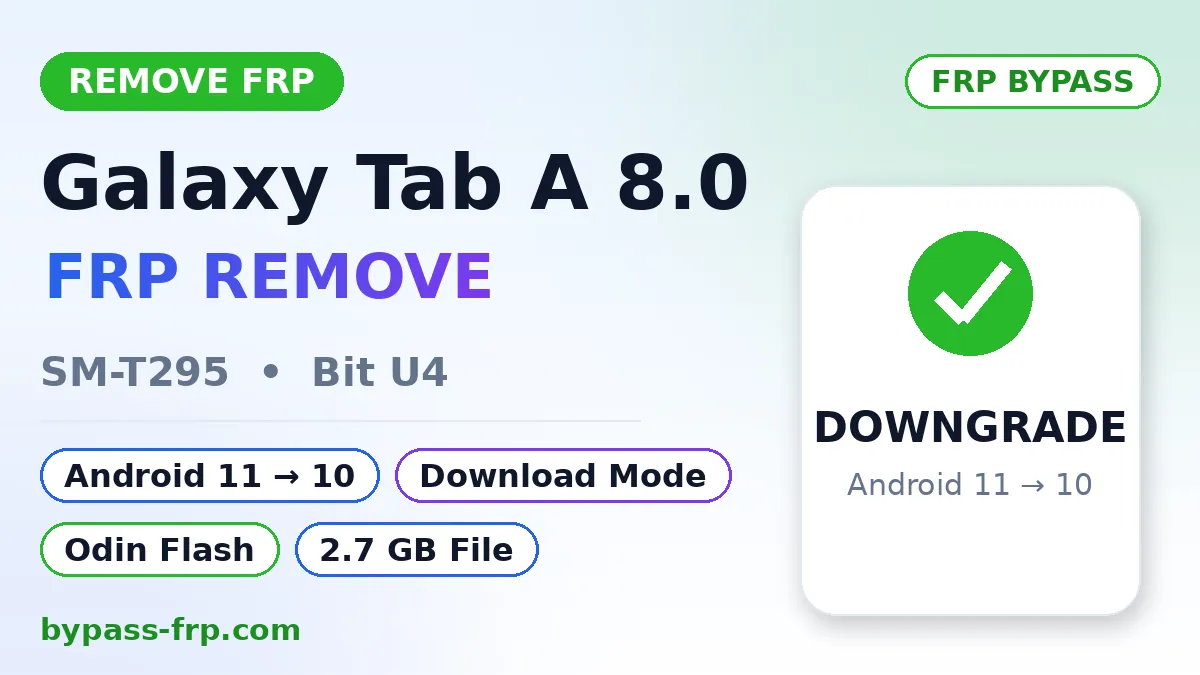
The SM-T295 U4 FRP Lock Remove File is for removing the FRP lock on the Samsung Galaxy Tab A 8.0 (SM-T295), it downgrades the tablet from Android 11 to Android 10, after which FRP bypass methods start working again on the older patch. The file’s size is 2.7 GB, and it’s flashed through Odin in Download Mode. Full details about the file, the flashing method, and important notes are given below. Related guide: Remove FRP Galaxy A30s SM-A307GN Bit 6, a test of removing FRP on a Samsung phone through TSM Pro Edition.
File Information
File TypeSM-T295 U4 FRP lock remove file, opens the way for FRP bypass by downgrading the Galaxy Tab A 8.0 from Android 11 to Android 10. 2.7 GB, Odin flash, U4 binary only.
| Brand | Samsung |
|---|---|
| Model | SM-T295 |
| Android | 10 |
| Patch | 2024 |
| Mode | Download Mode (Odin flash) |
| CPU Type | Qualcomm Snapdragon 429 |
| Bit | U4 |
| Firmware | T295CZHU4BUD3 |
| Sales | TGY |
| Operation | FRP Lock Remove via Downgrade (Android 11 → 10) |
| Elapsed Time | 10–15 Minutes (approx.) |
| Via | Odin 3 Tool |
Last tested: 17 November 2026
Quick Answer
The SM-T295 U4 FRP Lock Remove File downgrades the Galaxy Tab A 8.0 (SM-T295) from Android 11 to Android 10, which makes FRP bypass methods work again. The file is 2.7 GB, flashed through Odin in Download Mode, and only works on the U4 binary.
What Is the SM-T295 U4 FRP Lock Remove File?
This is a Samsung firmware file specifically for SM-T295 (Galaxy Tab A 8.0, 2019) tablets with U4 binary. The file is for Android 10, flashing it will take the tablet from Android 11 down to Android 10. The binary stays U4, so there’s no bootloader issue during flashing. The file’s size is 2.7 GB, so you’ll need stable internet to download it. This file is for tablets that are stuck on the FRP lock and whose old Google account isn’t remembered.
Why Downgrade Removes the FRP Lock
On Android 11’s newer security patch, most FRP bypass methods have stopped working, opening Settings, TalkBack, or old APK-based methods, none of them work on the newer patch. On Android 10, the patch is older, so these methods start working again there. Downgrading doesn’t mean FRP disappears the moment you flash it, the verification screen can still show up after flashing. The difference is that on Android 10, you have more ways to remove FRP, including TSM Tool. One important thing: this file only works on U4 binary. Check your tablet’s binary first in Download Mode, if the binary is above U4, this file won’t flash, Odin will block it.
Before You Start – What You Need
This file (2.7 GB, download link in the Downloads section below)
- Odin (Samsung’s flash tool, use your own Odin version)
- Samsung USB drivers, already installed on your PC
- A good USB cable (a data one, a charging-only cable won’t let Odin recognize the tablet)
- Battery at least 50% charged
Flashing will wipe the tablet’s data, a tablet stuck on FRP lock usually can’t get its data retrieved anyway, so keep that in mind.
How to Flash the SM-T295 U4 File With Odin
The method is simple, just don’t unplug the cable in between:
- Download the file and extract it, inside you’ll find BL, AP, CP, and CSC files.
- Open Odin (right-click and select “Run as administrator”).
- Turn off the tablet, press and hold both Volume Up + Volume Down, and plug in the USB cable, when the warning screen appears, press Volume Up, the tablet will enter Download Mode.
- A blue box should appear next to ID:COM in Odin, this means the tablet is connected.
- Select the BL file under BL, the AP file under AP, the CP file under CP, and the CSC file under CSC. Not HOME_CSC, for FRP you need the full-wipe CSC.
- Under Options, make sure “Auto Reboot” and “F. Reset Time” are ticked, don’t touch the other options.
- Press Start and wait, flashing a 2.7 GB file can take 5 to 8 minutes. Don’t unplug the cable in between.
- Once Odin shows a green PASS, the tablet will reboot on its own, the first boot takes a bit longer, don’t panic.
After Flashing -Removing the FRP Lock
After flashing, the tablet will boot into Android 10. During setup, the Google account verification screen might show up, this is normal, the downgrade didn’t remove FRP, it opened the way to bypass it. Now the FRP removal methods will work on Android 10’s older patch, a method of removing FRP through downgrade file can be seen in the Remove FRP Galaxy A30s SM-A307GN Bit 6 test. Complete the FRP step before connecting Wi-Fi during setup, verification starts as soon as Wi-Fi connects.
Download SM-T295 U4 FRP Lock Remove File
Download the file from the link below. The file’s size is 2.7 GB, [Download SM-T295 U4 FRP Lock Remove File]
Troubleshooting
- Tablet not detected in Odin: Reinstall the Samsung USB drivers, try a different cable, and try another USB port on the PC.
- Odin shows FAIL: First check whether the file is actually for SM-T295 U4, Odin gives FAIL on a wrong model or binary file. Download the file again, FAIL also shows up if the 2.7 GB file downloaded incompletely.
- Can’t get into Download Mode: Fully power off the tablet and try Volume Up + Volume Down again, hold both buttons while plugging in the cable.
- FRP lock still there after flashing: This is normal, use the FRP removal method (TSM Tool or the Android 10 bypass) after the downgrade, see the “After Flashing” section above.
- Tablet stuck on boot (bootloop): Go back into Download Mode and flash the file again with CSC, not HOME_CSC.
Important Notes
- Only use this file on your own tablet, or on a customer’s tablet with their permission.
- Flashing will wipe the tablet’s data.
- Only use it on U4 binary, check the binary in Download Mode first.
- Don’t unplug the USB cable or shut down the PC during flashing, an interruption in the middle can leave the tablet stuck.
Conclusion
The SM-T295 U4 FRP Lock Remove File brings the Galaxy Tab A 8.0 down from Android 11 to Android 10, which makes FRP bypass methods work again. The file is flashed through Odin in Download Mode, is 2.7 GB in size, and only works on U4 binary. After flashing, use the TSM Tool method to remove FRP, and keep the Samsung USB drivers ready beforehand.
What Is the SM-T295 U4 FRP Lock Remove File?
Can I Downgrade SM-T295 From Android 11 to Android 10?
Will Downgrading Remove the FRP Lock Completely?
Is It Safe to Flash This File on SM-T295 U4?
How Long Does the Odin Flash Take?
What Should I Do if Odin Shows FAIL?
How to Remove FRP Lock on Samsung Galaxy Tab A 8.0?
How to Downgrade Samsung Tablet From Android 11 to 10?
Can FRP Be Removed Without a PC?
What Is Binary (Bit) U4 on Samsung?
About This Site Unofficial guide site
I’m Jon Carter, a mobile software repair and FRP bypass specialist based in the United States of America. With over 5 years of experience, I share practical guides on FRP bypass, Google account lock issues, Android troubleshooting, and mobile software repair. Through Bypass-FRP.com, my goal is to help users understand common device problems and find reliable information for legitimate device recovery.
1 Comment
Comments are closed.